Agentic Engineering with Claude: A Practical Roadmap from Models to Production
A structured path from choosing the right Claude model to shipping code and apps prompting, MCP, Skills, Artifacts, Cowork, Claude Code, and the API.
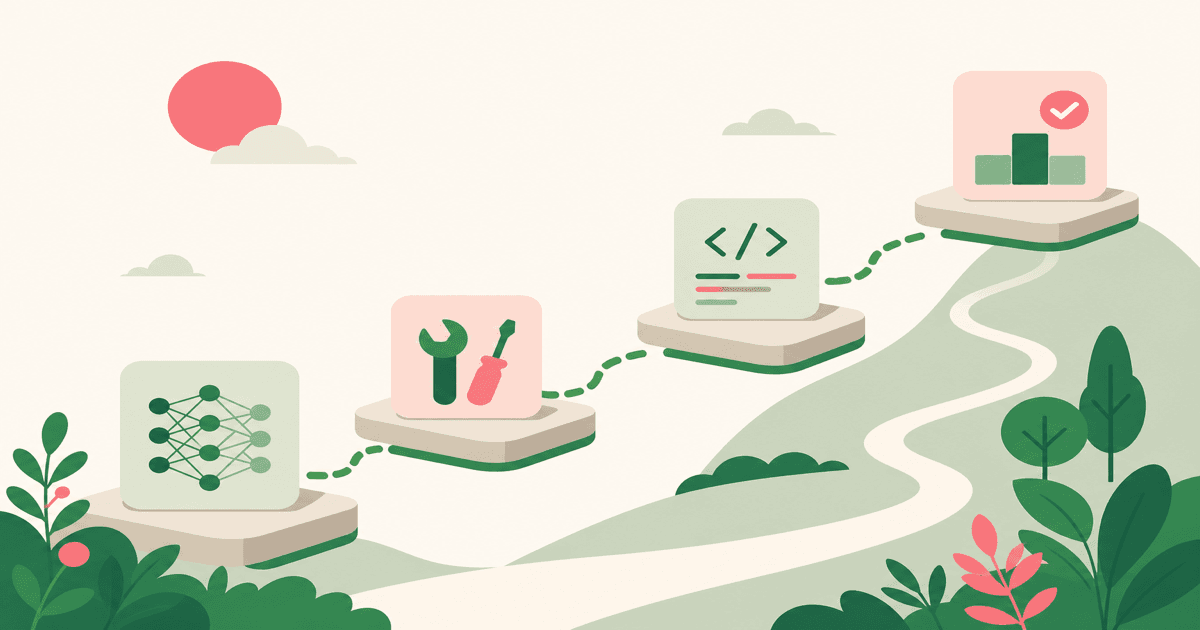
Most teams want to use Claude as more than a chat window: they want it to connect to their tools, run workflows, write and review code, and eventually power apps. The gap isn’t desire it’s knowing where to start and how the pieces fit together. This roadmap turns that program into one path you can follow: from picking the right model to building production applications with the Anthropic API.
Choose the Right Claude Model
Claude comes in three models Haiku, Sonnet, and Opus and each uses your rate limit differently. Using Opus on a task Haiku could handle burns tokens and slows you down for no gain. Getting this choice right is the first step in agentic engineering.
- Haiku is built for speed: quick answers, summaries, simple extraction, and anything you want done instantly. It’s the lightest on your rate limit.
- Sonnet is the daily driver for coding, writing, analysis, and multi-step workflows. When you’re not sure which model to pick, start here.
- Opus is for deep research and complex reasoning that genuinely needs sustained thinking. Reserve it for tasks where accuracy and depth matter most.
Context windows and token usage matter too. Simpler tasks belong with Haiku; complex reasoning and long documents belong with Opus. Revisit this choice when new model versions ship what suited Opus last release might sit better with Sonnet now. The official guide on choosing the right Claude model is a solid reference.
Master Prompting and Context
Agentic work depends on clear instructions and enough context. Before you hand Claude a big task, spend a minute planning: what’s the outcome, what inputs does it need, and what format do you want? Refining the task up front and giving Claude the right documents or data reduces back-and-forth and improves results.
Use prompting techniques that match the job: be specific about format, include examples when possible, and break complex work into steps. Context isn’t just “more text” it’s the right artifacts (PRDs, design links, ticket descriptions) so Claude can reason with your real world. I’ve found that stating the constraint first (“output as a bullet list,” “assume the reader knows our API”) and attaching the actual file or link instead of pasting snippets keeps outputs aligned with what you need.
Connect Your Tools with MCP
Model Context Protocol (MCP) is how Claude talks to your existing systems. Once you know what MCP is and how to configure it, you can turn your stack into Claude’s context.
Concrete use cases from the program make this tangible: draft a PRD with an MCP server that has access to your docs; work with Figma design so Claude can reference screens and components; create Jira tickets and sprint planning from a single conversation. MCP turns “describe what you want” into “here’s the same info my team uses.” Configuration varies by tool, but the pattern is the same: expose the right data and actions, then let Claude plan and execute against them.
Teach Claude with Agent Skills
Skills are reusable instructions that teach Claude how you work. You create and configure them once, then use them in both Claude Code and Cowork so that coding style, review preferences, or domain rules stay consistent.
Creating a skill is straightforward: define the goal, the constraints, and optional examples. Use skills for code conventions, documentation format, or team workflows. They’re especially useful when multiple people (or projects) need the same behavior without re-prompting every time. Resources like Improving frontend design through Skills and the skill-creator workflow show how to test and refine them.
Prototype with Artifacts and Research
Artifacts let Claude generate structured output you can use immediately: product docs, data analysis, mini apps, or visualizations often without writing code yourself. Combine that with Research and Google Workspace (emails, calendar, docs, web) and you get a single place to analyze and present.
In practice: use Claude in Excel and PowerPoint to turn datasets and narratives into reports and decks. Use artifacts to validate ASC 606 revenue models, surface reconciliation issues, and build financial visualizations. Create mini apps or product documentation from a conversation. The tutorial on using artifacts to create AI apps without code is a good next step.
Scale Workflows with Cowork
Cowork is Claude Code for the rest of your work: give Claude access to a folder, and it can read, edit, and create files, make a plan, and work through tasks with minimal hand-holding. It’s built on the same agent foundations as Claude Code, so it feels familiar if you’ve used Code before.
Go further by building a plugin from scratch in Cowork: encode your team’s workflows and institutional knowledge so Claude follows your process. Use it for everyday work working in a folder, scheduling tasks, browser use (especially with Claude in Chrome). The Cowork research preview and the tutorials on how to build a plugin from scratch and how to customize plugins walk through the details.
Ship Code with Claude Code
Claude Code is where agentic engineering meets the repo: vibe coding (building from scratch with natural language), MCP for context (Jira, Slack, Figma, PRD in Confluence), shipping new features, bug investigation and fixes, quick PR reviews and modifications, and collaborative debugging. You can run parallel tasks (e.g. with MCP and Slack threads), use browser automation to verify UI changes, and even connect to a production server to debug and fix issues in place. For data work, Jupyter notebooks plus Claude can turn e-commerce or other datasets into analysis and dashboards. How Anthropic teams use Claude Code and Claude Code on the web add real-world patterns.
Build Products with the Anthropic API
When you’re ready to embed Claude in your own apps, the Anthropic SDK and API are the last step. Use Claude in Excel to enhance or clean modal datasets; use the API to build support chatbots, internal tools, or any application that needs conversational AI. The same model choices and prompting discipline apply you’re just calling Claude programmatically and owning the UX and integrations.
What to Do Next
Agentic engineering with Claude is a stack: model choice, prompting, MCP, Skills, Artifacts, Cowork, Claude Code, and the API. You don’t need to adopt everything at once. Pick one area for example, “this week I’ll wire up MCP to Jira and draft tickets with Claude,” or “I’ll try Cowork on one real folder” and go from there. The roadmap is ordered so you can layer skills and tools as you go, from simple chats to production systems. Once one layer feels natural, add the next.
New posts by email
I'll email you when I publish something new. Mostly AI agents, frontend, and things I'm learning on the job. Unsubscribe any time.